
Blog
🚀 Add Tefagoo Auto Slug Translate – Automatically translate article permalinks to English

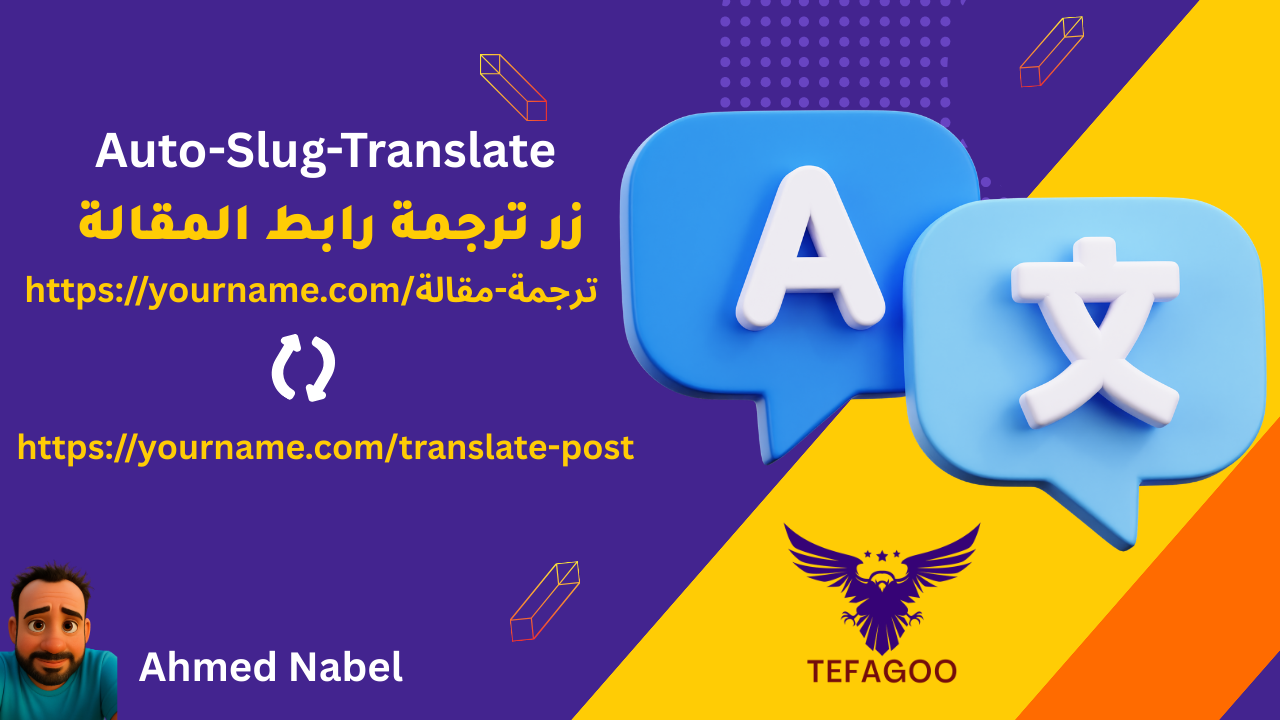
In the world of websites, Permanent link (Slug) It's an essential element in search engine optimization (SEO) and makes a website more professional and easy to navigate. Most website owners who write content in Arabic struggle with links appearing full of Arabic letters or numbers that are incomprehensible to search engines.
Here comes the role of addition Tefagoo Auto Slug Translate 👇
What is Tefagoo Auto Slug Translate add-on?
It is an innovative WordPress plugin that does Automatically translate the article or page link into English Once you save the article.
Therefore, instead of the link appearing long and complicated, it appears elegant, short, and clear to search engines and visitors.
Add-on features
-
🔄 Automatic translation of the permanent link (slug) When creating any new article or page.
-
🌍 Make your website links universally relevant and understandable.
-
⚡ Very light and does not affect site speed.
-
🛡️ Compatible with all modern versions of WordPress.
-
🚀 Huge improvement in SEO And increase the chances of your site appearing in search results.
Why do you need this add-on?
-
If you have articles in Arabic, the links will appear in Arabic letters or numbers that are not clear.
-
Search engines like Google prefer links written in English.
-
Easily share links on social media and email without coding issues.
How to use
-
Install the plugin by uploading the plugin file.
Tefagoo Auto Slug Translate. -
After activation, you will not need any additional settings.
-
Write your article or page as usual, and when you click to publish → The link will be automatically translated into English.
[file_manager id=”4″]



 Contact WhatsApp